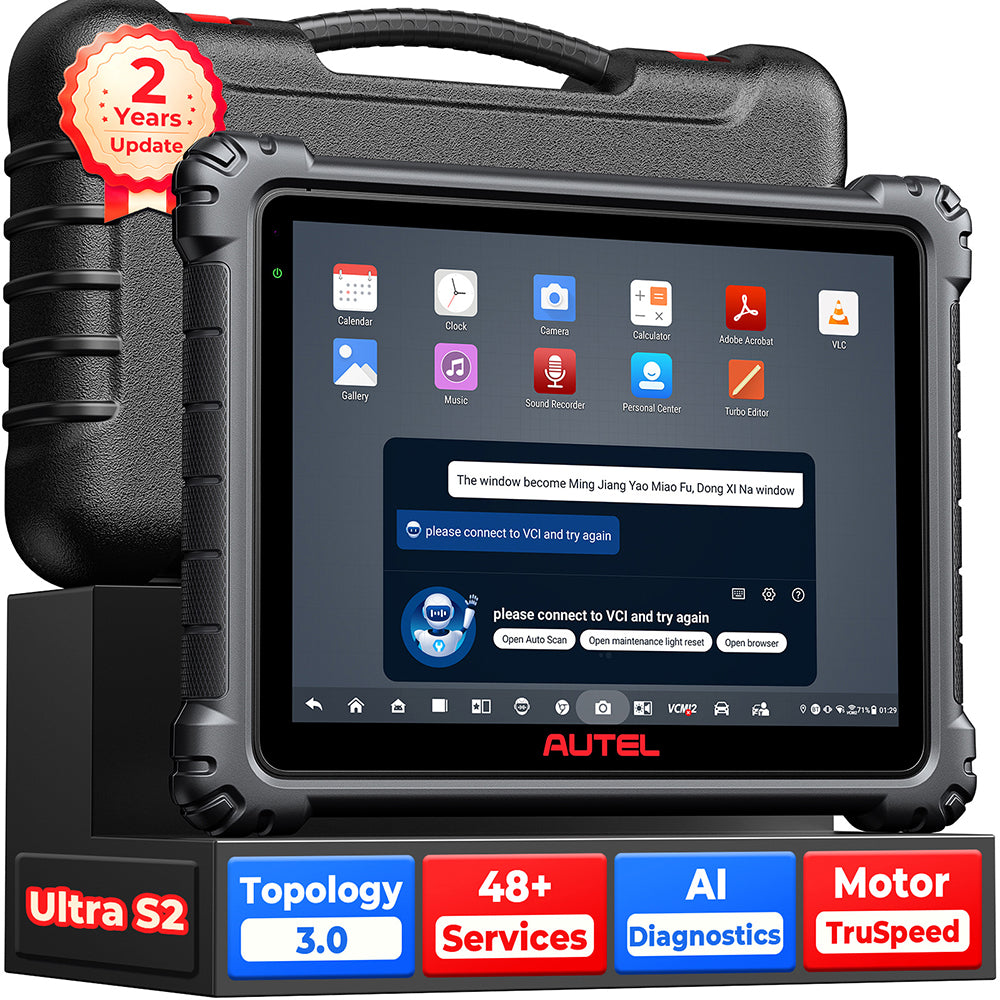
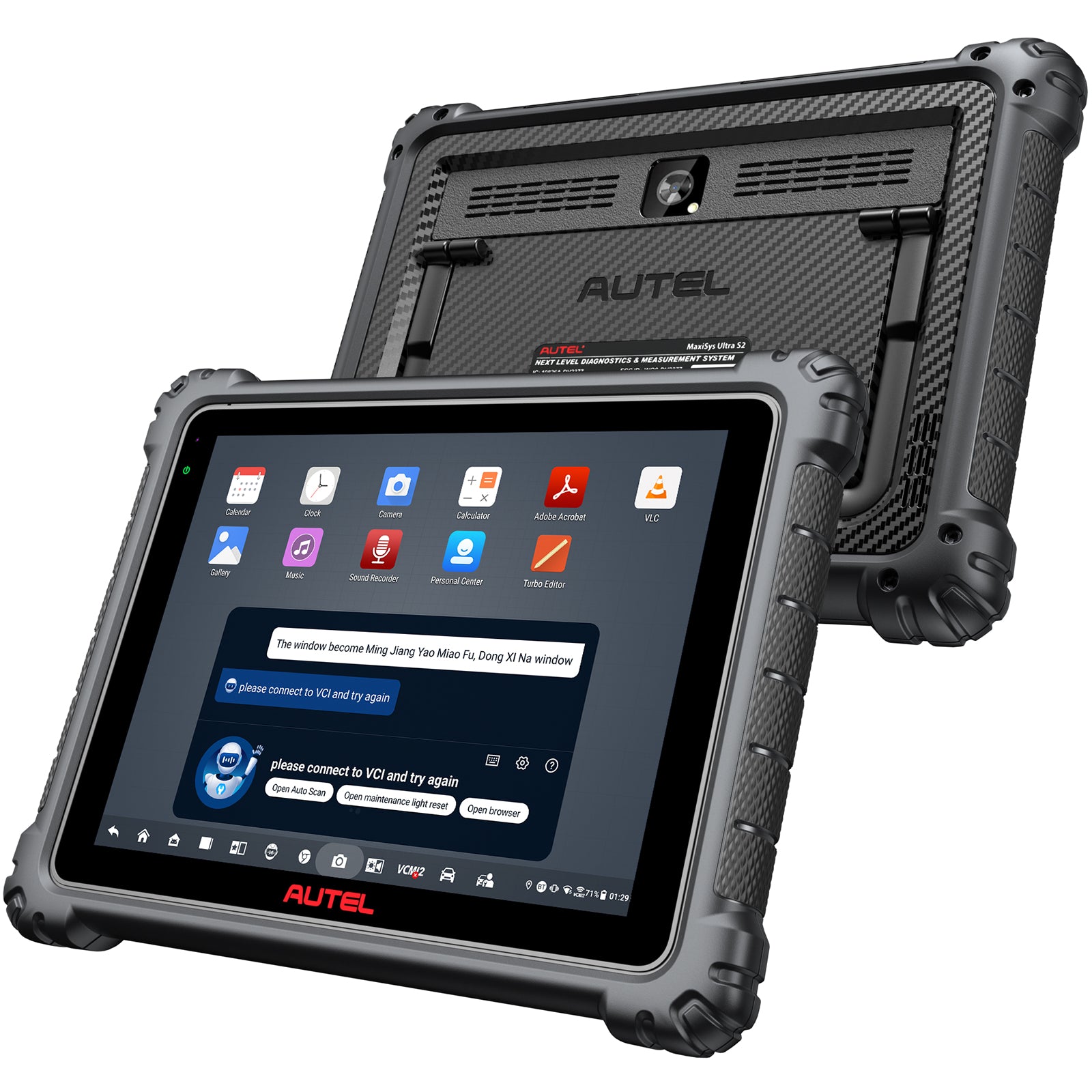
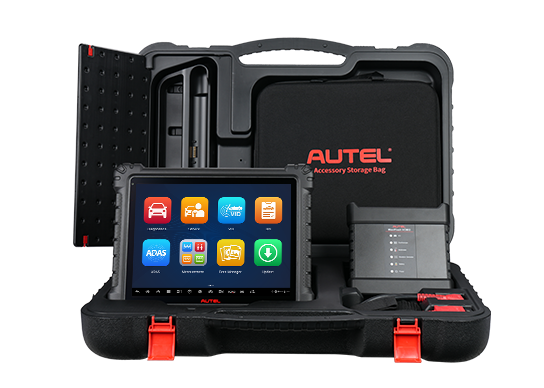
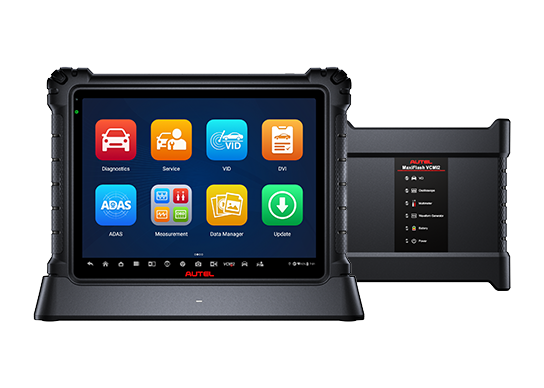
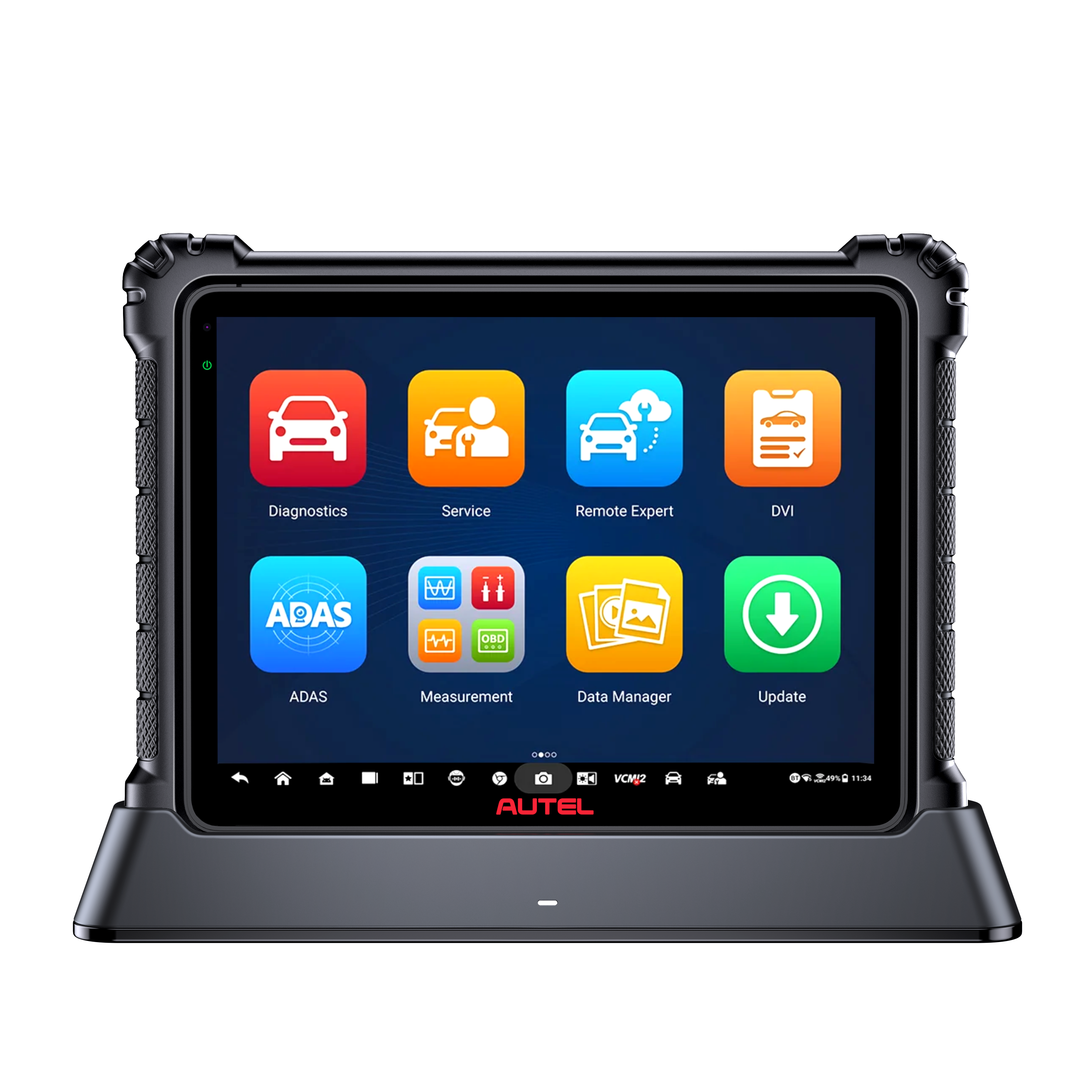
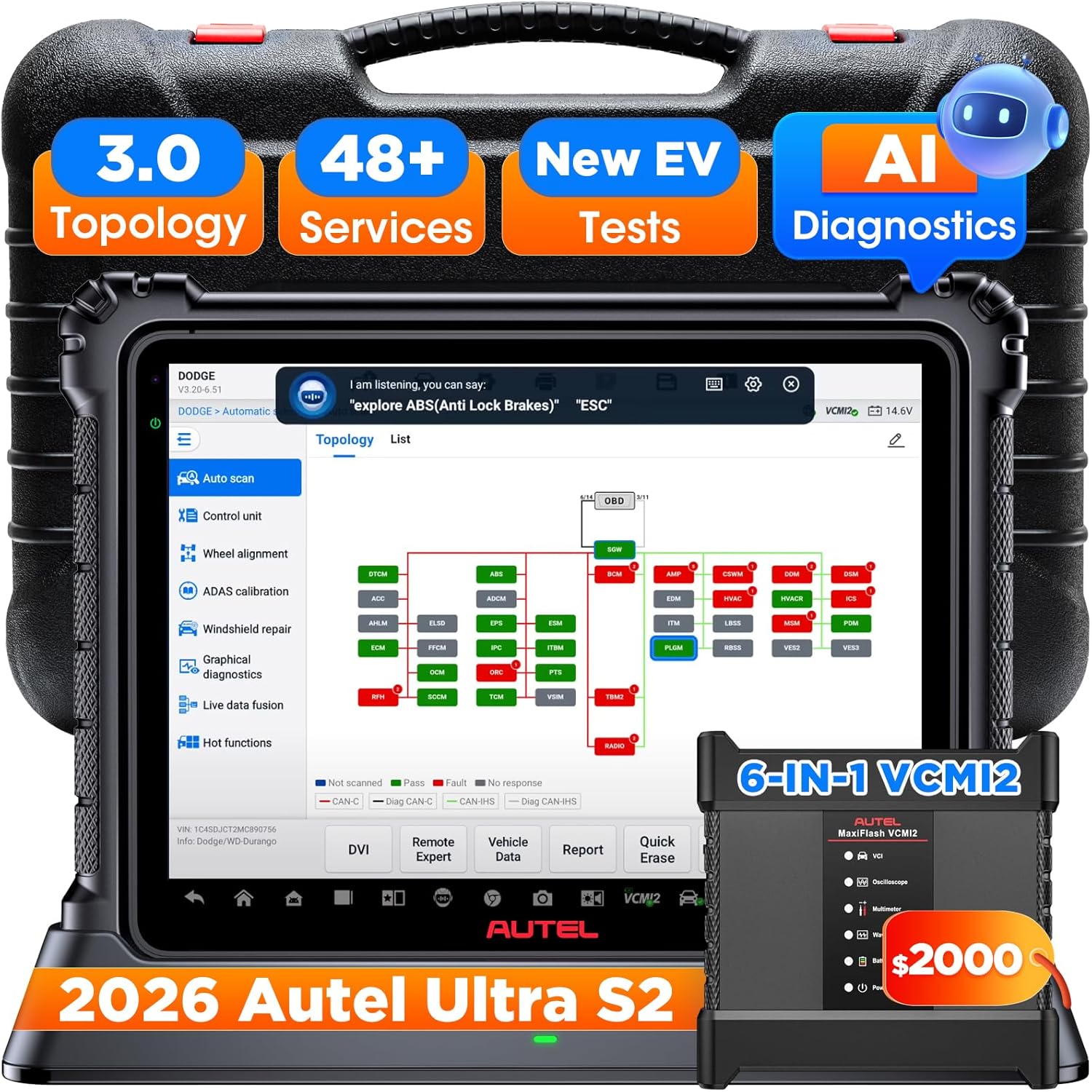
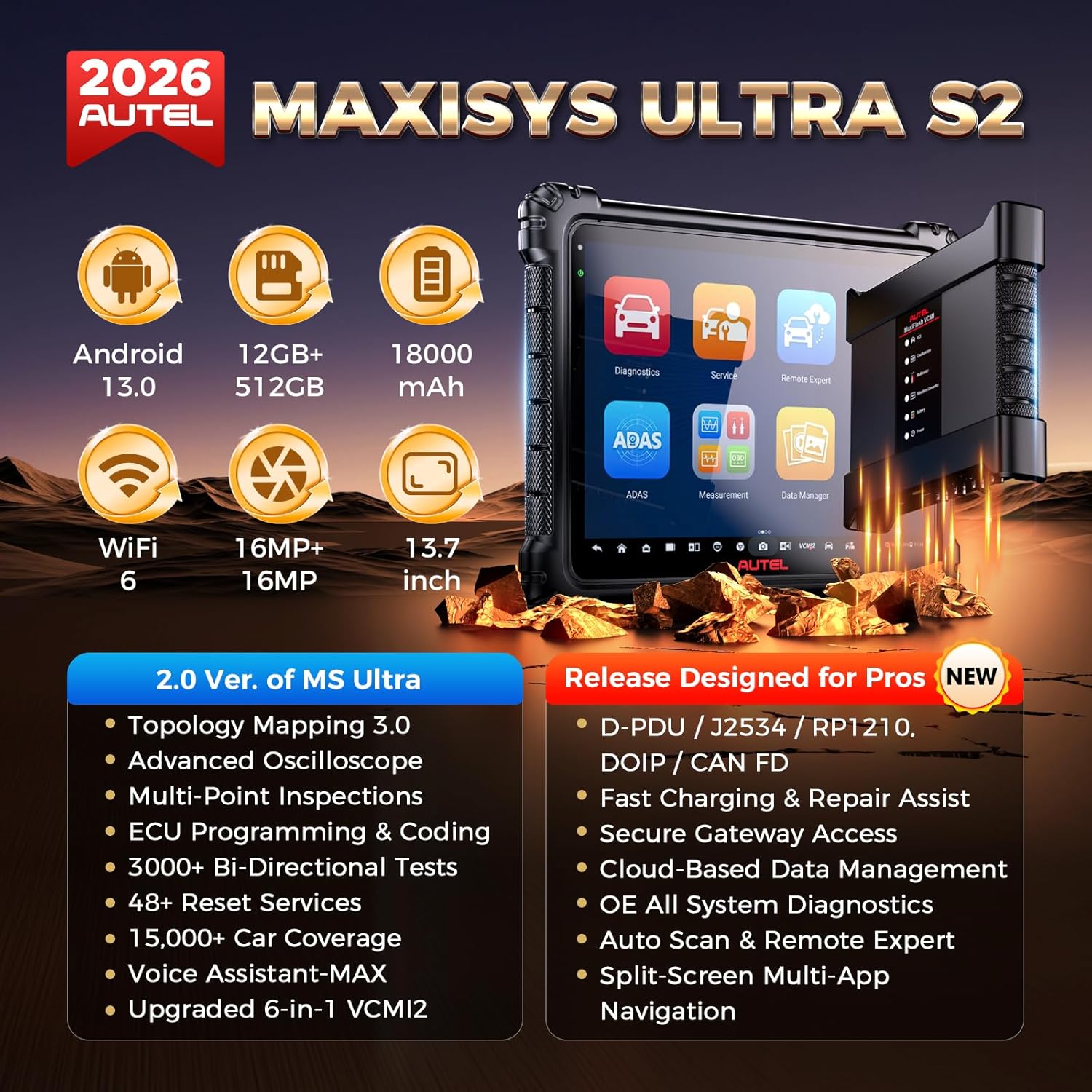
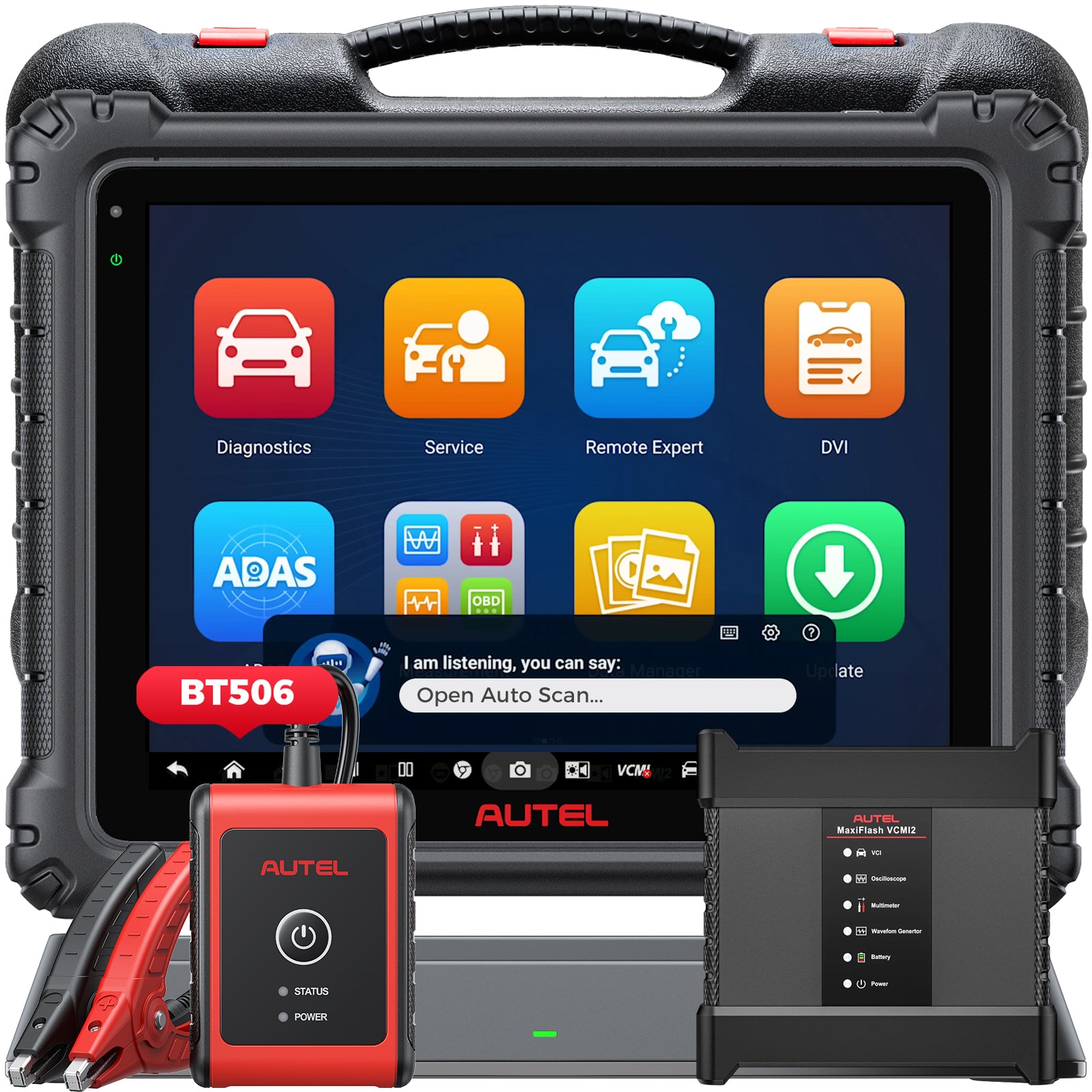
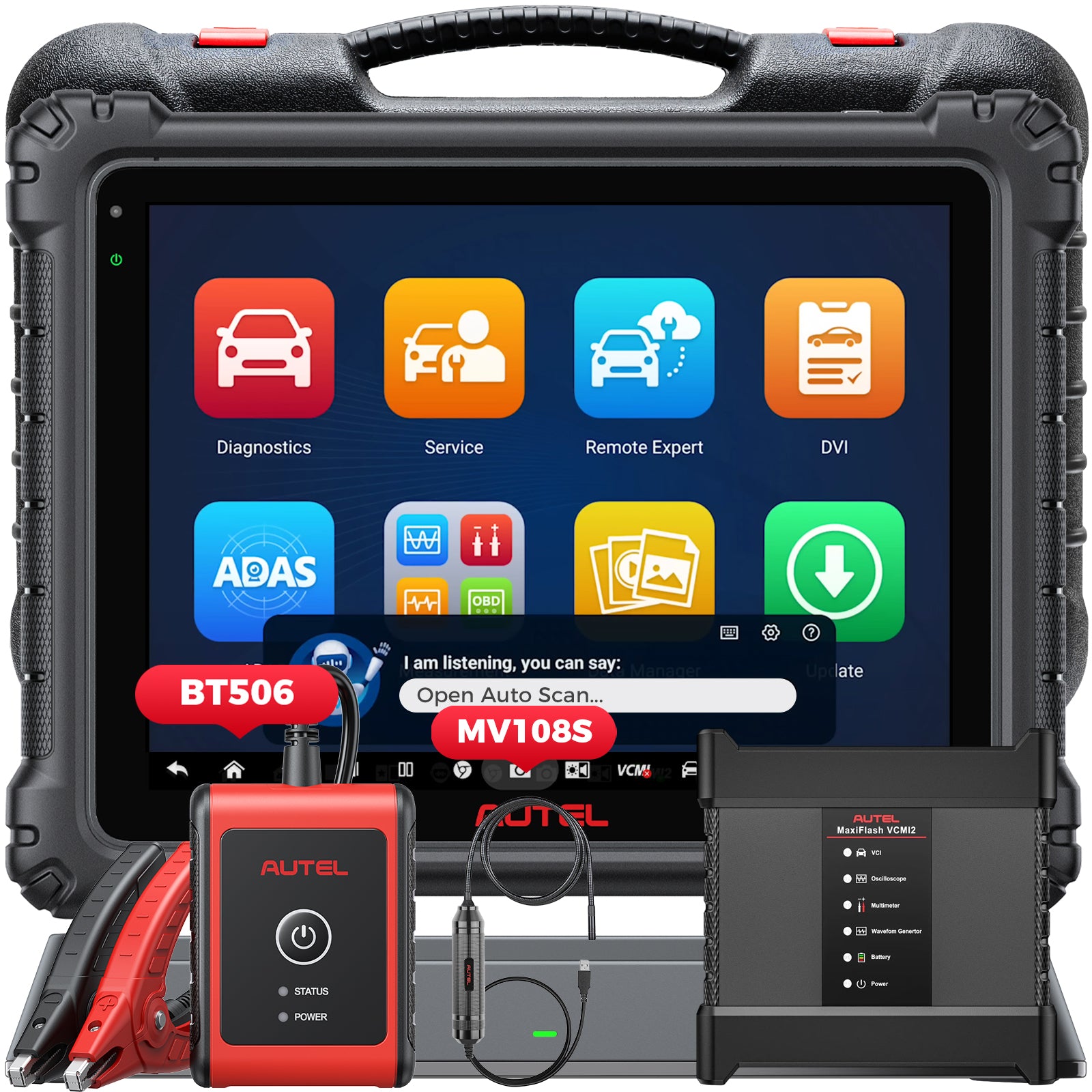
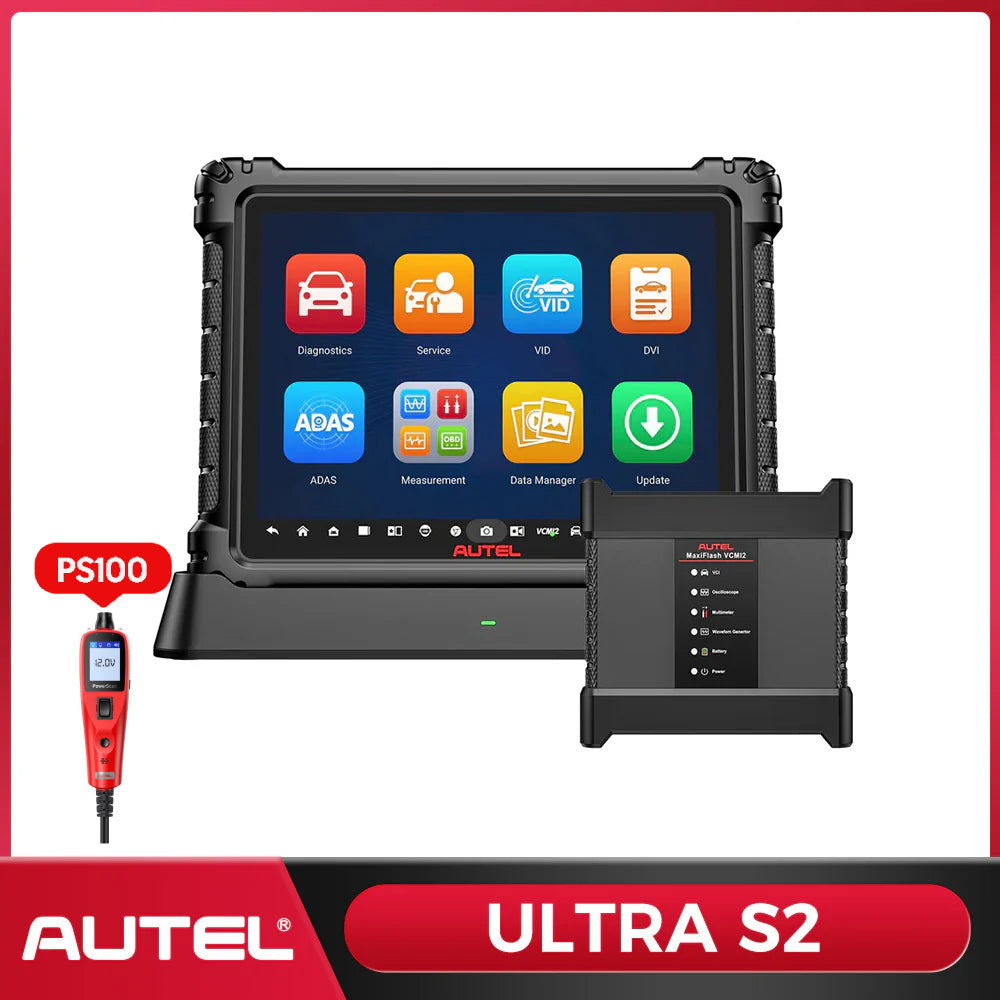
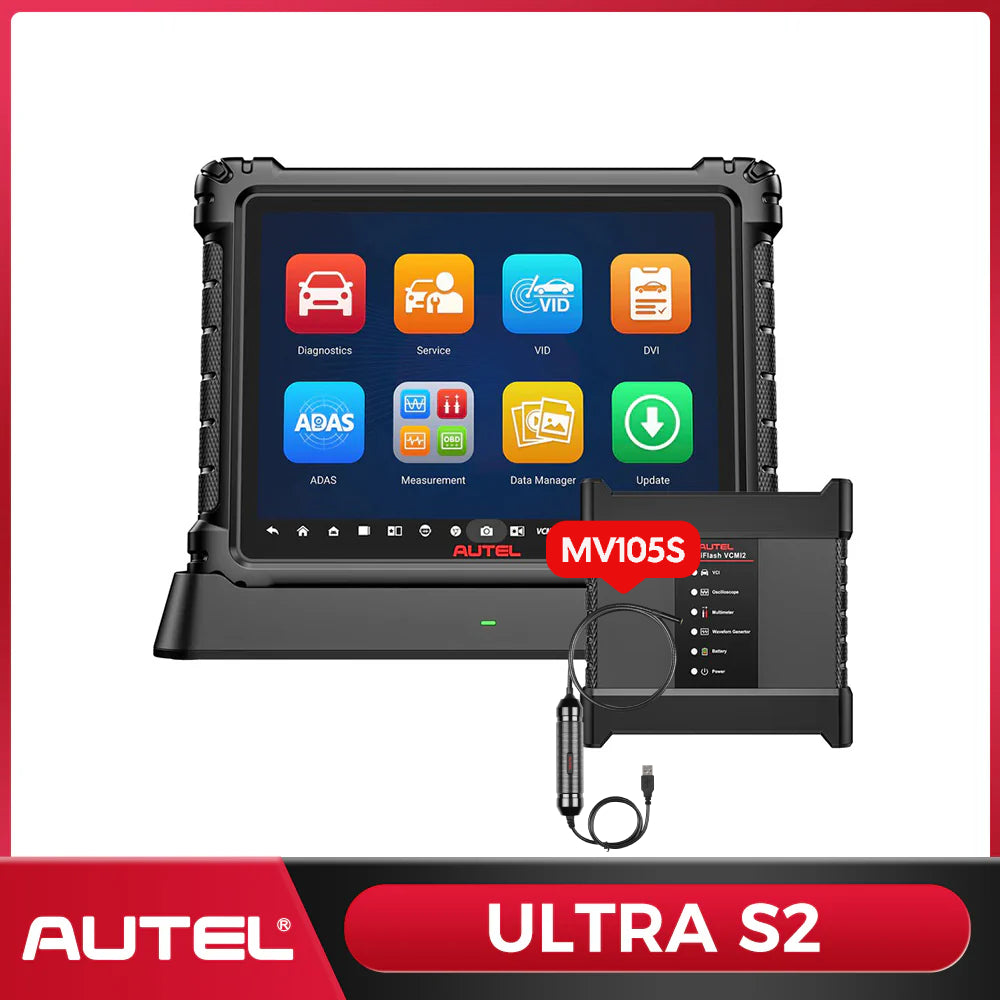
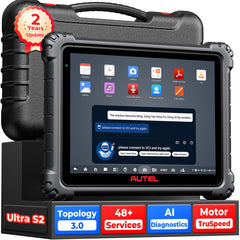
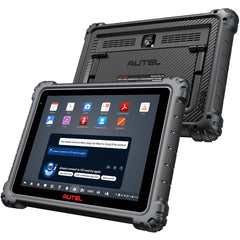
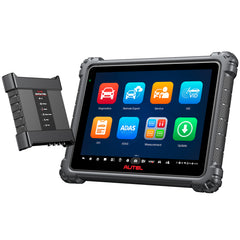
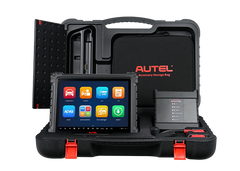
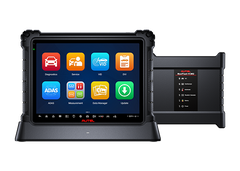
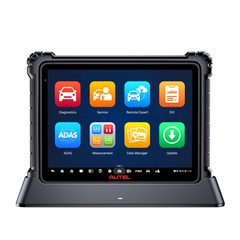
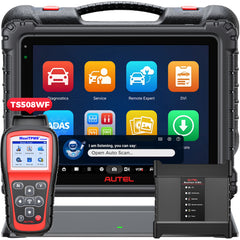
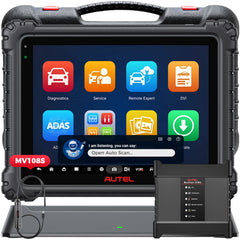
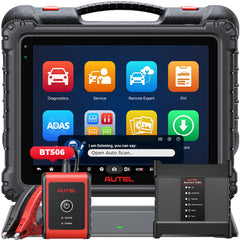
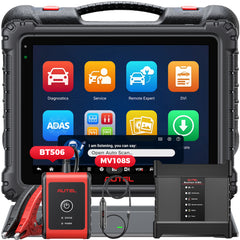
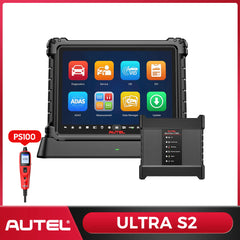
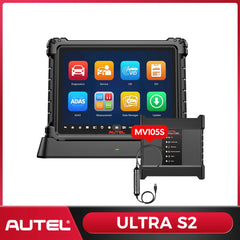
The Autel MaxiSYS Ultra S2 is more than a flagship diagnostic scanner. It is a complete diagnostic workstation built for professional shops that need to move from fault code to root cause with fewer interruptions.
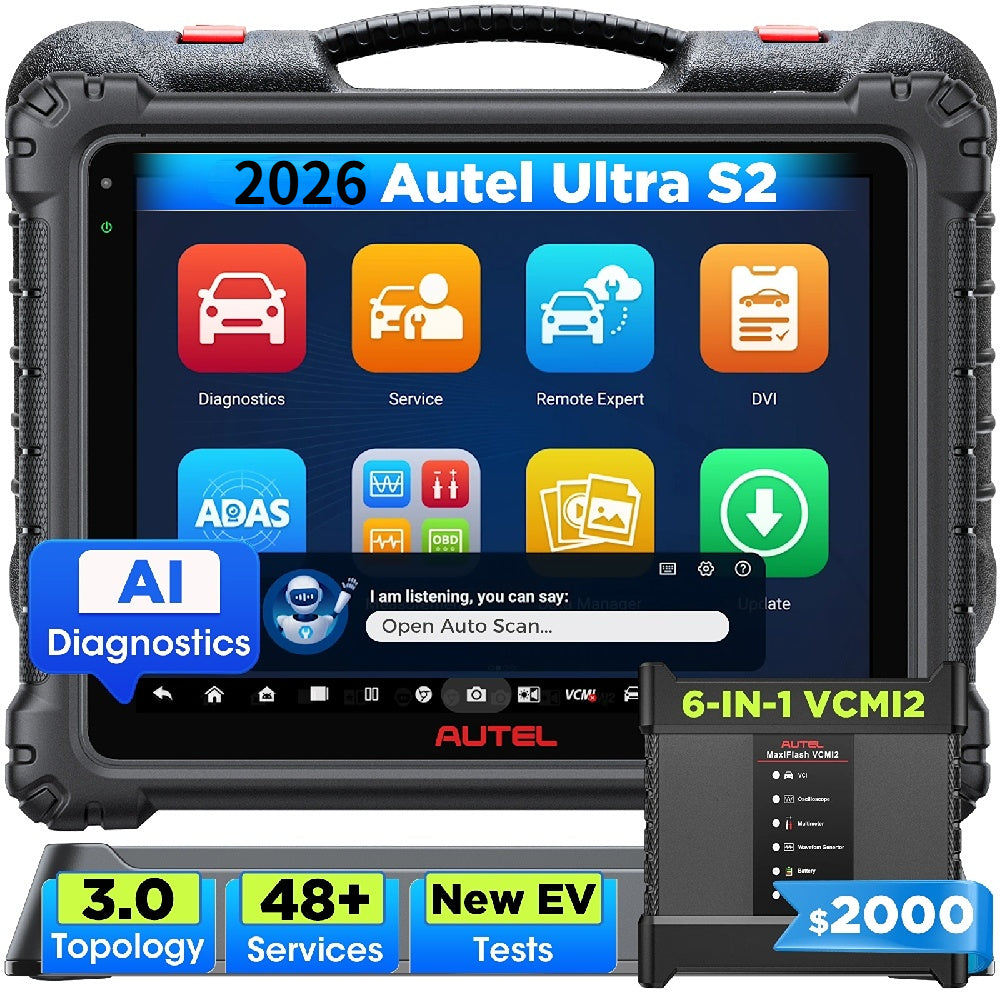
With advanced all-system diagnostics, bidirectional control, Topology 3.0, enhanced live-data analysis, ECU coding, supported ECU programming, and the 6-in-1 MaxiFlash VCMI2, the Ultra S2 brings the tools for complex diagnostic work into one integrated platform.
Ultra S2 is designed for professional technicians, diagnostic specialists, European vehicle shops, and independent repair facilities handling electrical, network, drivability, and module-related faults.
It helps your shop:
- See more of the vehicle with all-system scans and OE-style topology.
- Confirm faults with bidirectional Active Tests.
- Compare multi-system PIDs without losing diagnostic context.
- Move between scan data and electrical testing in one workflow.
- Perform supported coding, programming, adaptation, and module setup.
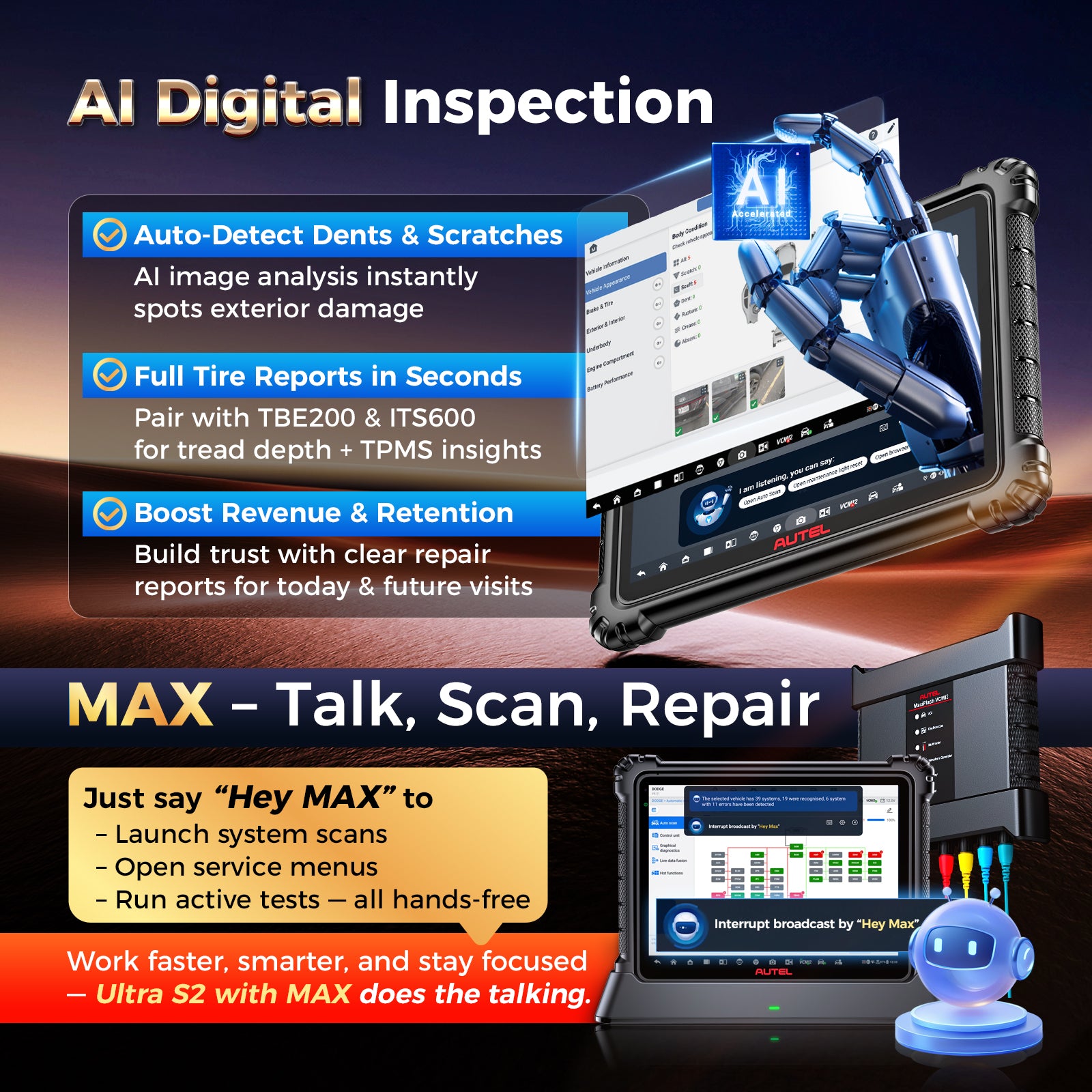
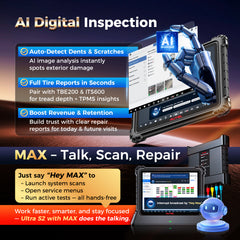
- Document findings with pre-scan, post-scan, and digital inspection reports.
This is the tool for shops that want more than code reading—and need a platform capable of supporting the full diagnostic process.


Built to Keep Up with a Busy Workshop
The Ultra S2 pairs powerful diagnostic software with hardware designed for long, data-heavy jobs.
Its 2.7 GHz 8-core processor, 12GB RAM, 512GB storage, and Android 13 operating system provide the capacity for vehicle software, reports, recordings, scope data, and multitasking. The 13.7-inch anti-glare display gives topology maps, live-data graphs, wiring information, and test results the room they need.
Dual Wi-Fi 6 supports faster wireless communication and downloads, while the 18,000 mAh battery and fast-charge docking station help keep the tablet ready between jobs.

See the Whole Vehicle—not Just the Fault Code
Ultra S2 delivers comprehensive diagnostics across supported vehicle systems, including engine, transmission, ABS, SRS, body, chassis, comfort, and other available modules.
Run Auto Scan, read and clear DTCs, review freeze-frame information, graph live data, access ECU information, and create professional reports from one platform. For difficult faults, the real advantage is not simply accessing more data—it is being able to organize that data into a clearer diagnostic path.

Command Components and Confirm the Failure
Bidirectional control lets technicians send commands to supported components and observe the response. Instead of replacing a part based only on a DTC, you can actively test items such as fans, pumps, valves, solenoids, lights, windows, locks, injectors, and other available actuators.
Active Tests help answer a more useful question: is the component unable to operate, or is the fault somewhere else in the circuit, control strategy, or vehicle network?


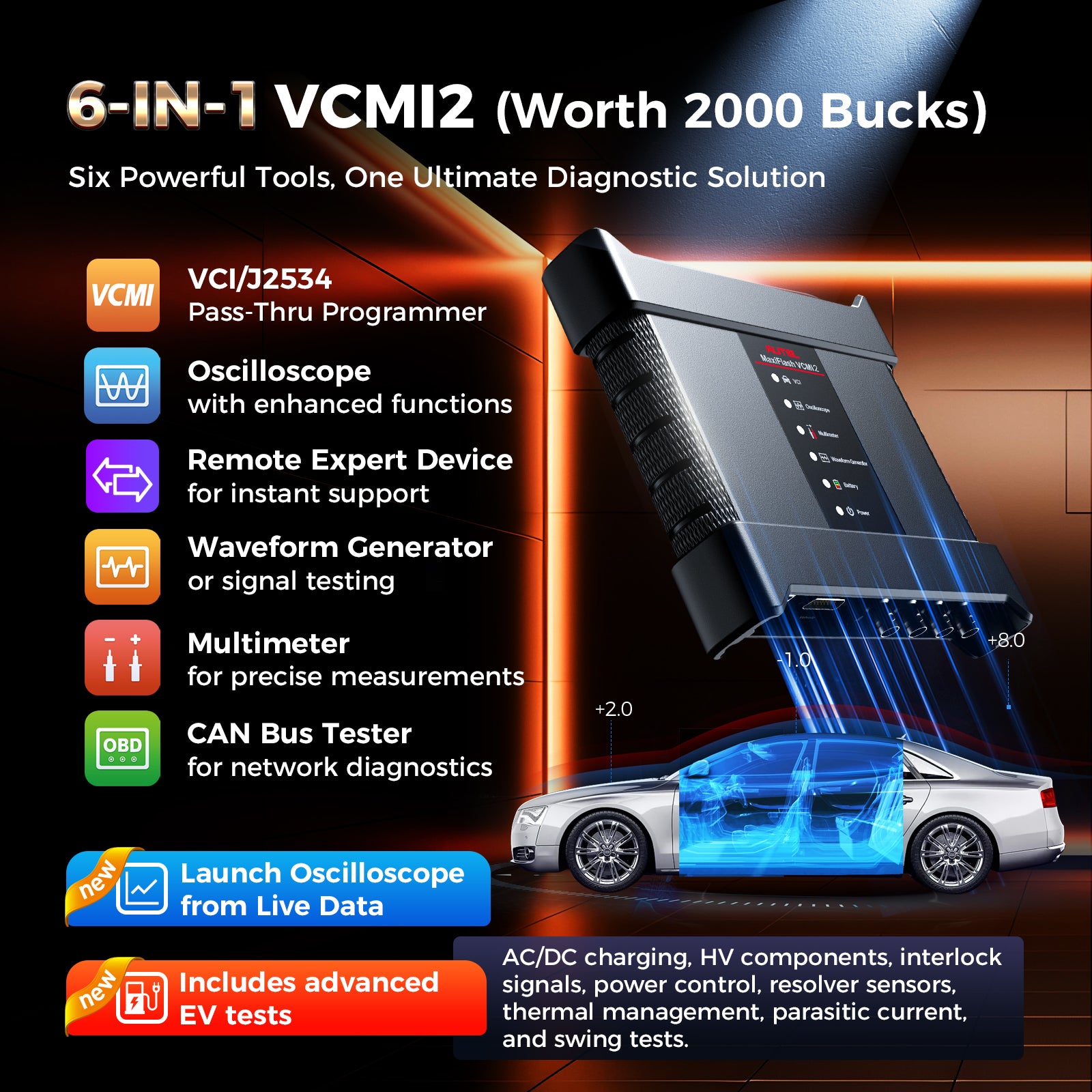
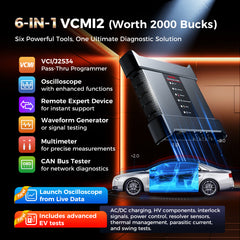
Six Essential Diagnostic Tools. One VCMI2.
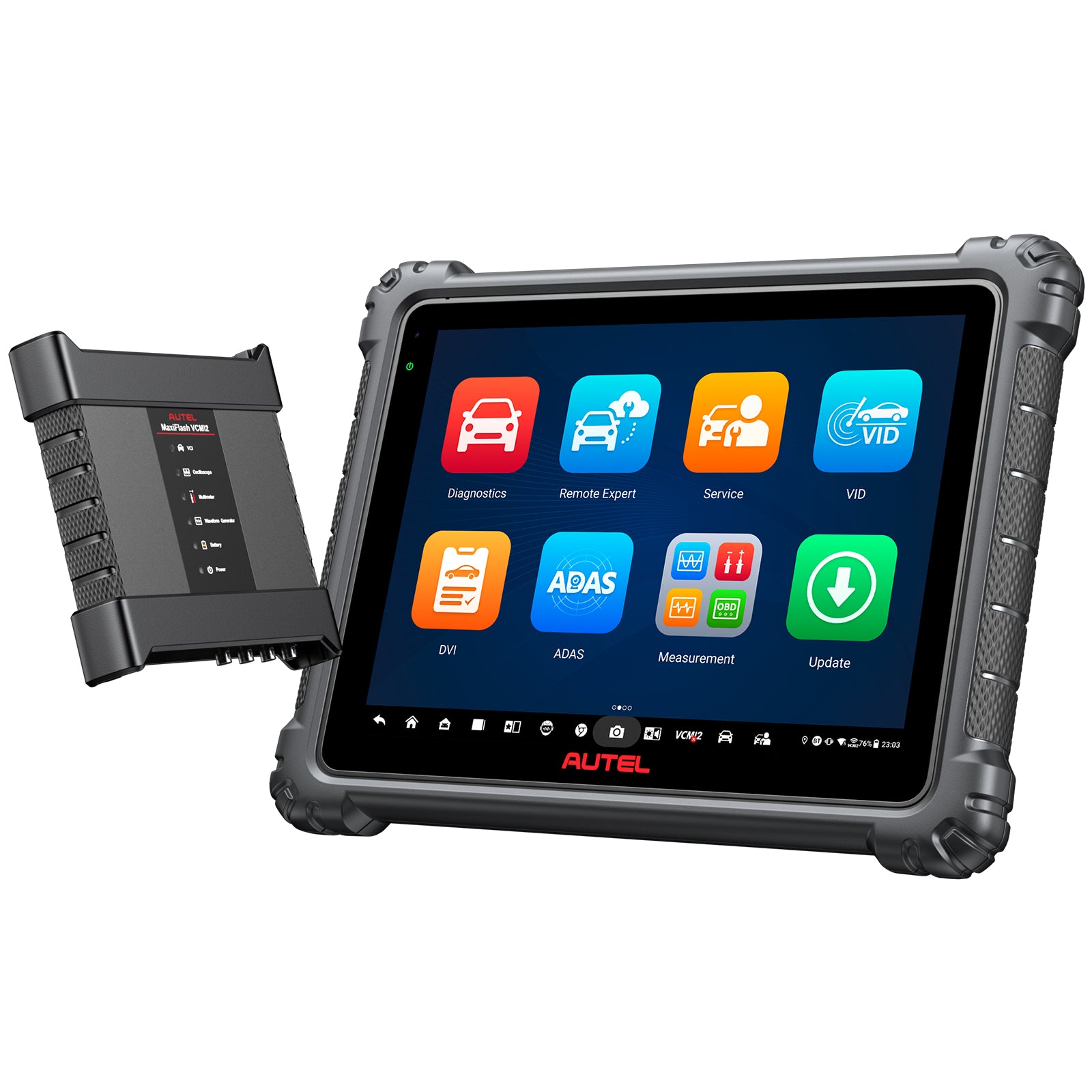
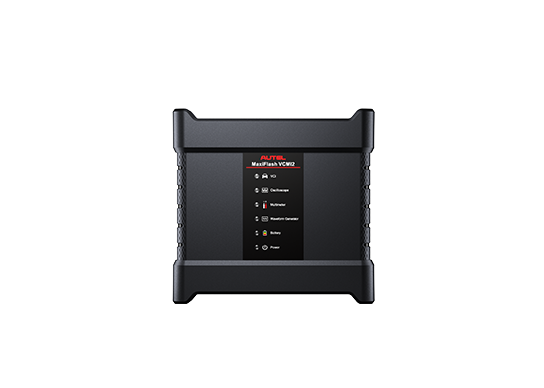
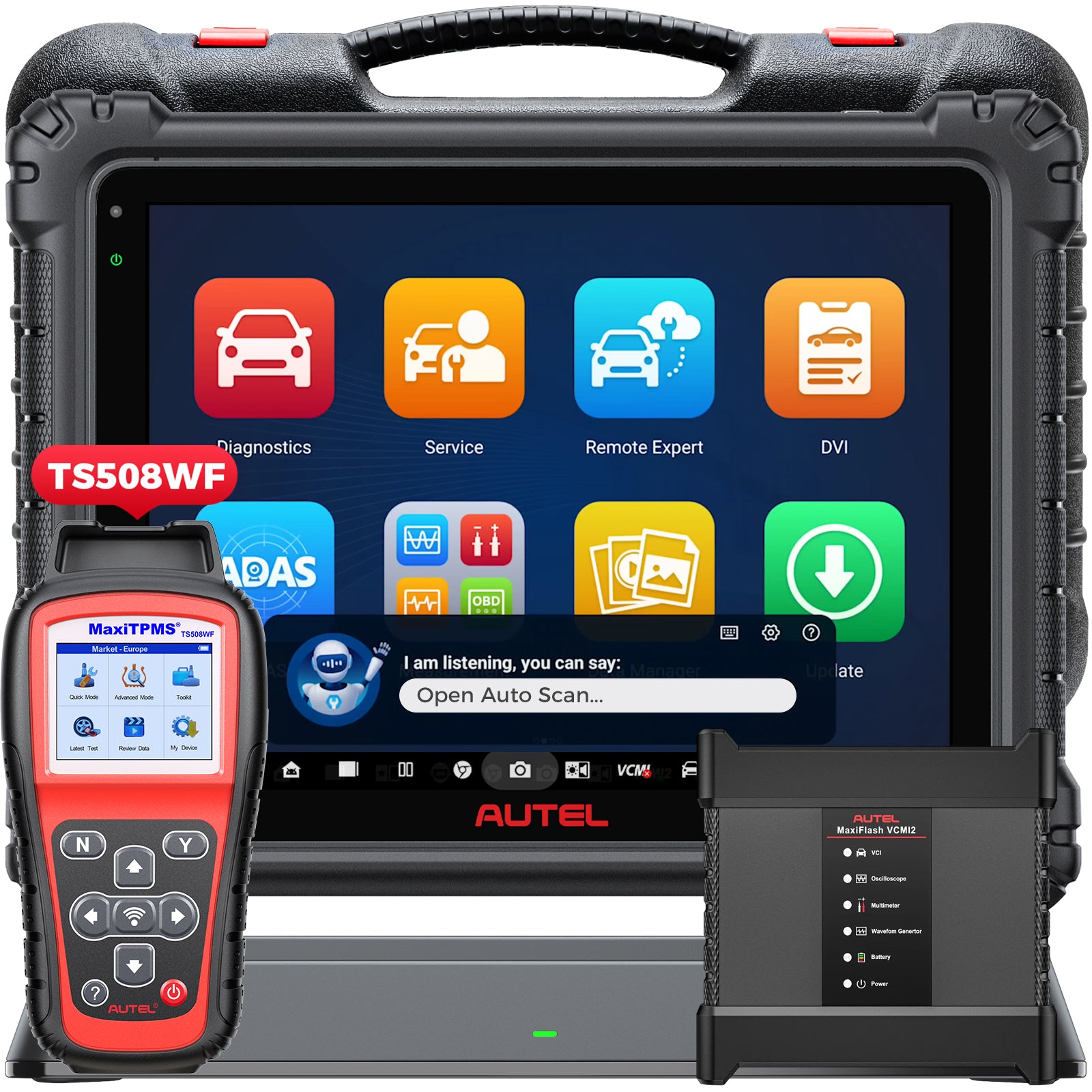
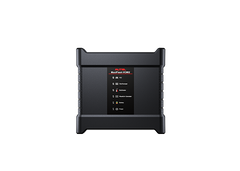
The included MaxiFlash VCMI2 brings vehicle communication and electrical measurement together:
- Vehicle Communication Interface
- J2534 PassThru interface
- Four-channel automotive oscilloscope
- Digital multimeter
- Waveform generator
- CAN bus tester
This integrated design makes it easier to move from a scan result to a physical signal test. Check network activity, compare sensor signals, measure voltage or resistance, simulate waveforms, and review scan data without building a separate tool stack for every step.
The VCMI2 also provides standalone Remote Expert connectivity. Remote Expert service availability, technician participation, accounts, and fees vary by job.


Go Beyond Diagnostics with ECU Programming
For supported applications, Ultra S2 provides integrated ECU programming functions for selected BMW and Mercedes-Benz vehicles. These functions can assist with replacement-module installation, software updates, and post-repair programming workflows where supported.
The included VCMI2 can also be used as a J2534 PassThru interface with compatible OEM software. Manufacturer subscriptions, accounts, programming files, credentials, internet access, and a regulated vehicle power supply may be required.


Complete Module Setup with Advanced ECU Coding
ECU Coding helps technicians configure supported control modules after repair or replacement. Depending on the vehicle, it can support component matching, adaptations, personalization, configuration changes, and post-installation setup.
Coding changes module configuration; programming installs or updates module software. Ultra S2 supports both types of workflow where available, but coverage varies by manufacturer, vehicle, model year, and module.


Support Replacement-Module Workflows with PMI
For supported Ford and Mazda applications, Programmable Module Installation can guide technicians through replacement-module setup and help ensure the new module is correctly matched to the vehicle.
Because PMI requirements differ by vehicle and module, confirm compatibility before beginning a replacement or programming job.


Diagnose the Network—not Just the Module
Topology 3.0 transforms a module list into a visual network map. On supported vehicles, technicians can see module status at a glance, locate ECUs, view network relationships, and ping individual modules to evaluate communication and network integrity.
For intermittent communication faults or multiple-module DTCs, this gives you a more direct starting point. It helps separate a module fault from a power, ground, wiring, connector, or network issue before parts are replaced.


Turn Live Data into a Diagnostic Story
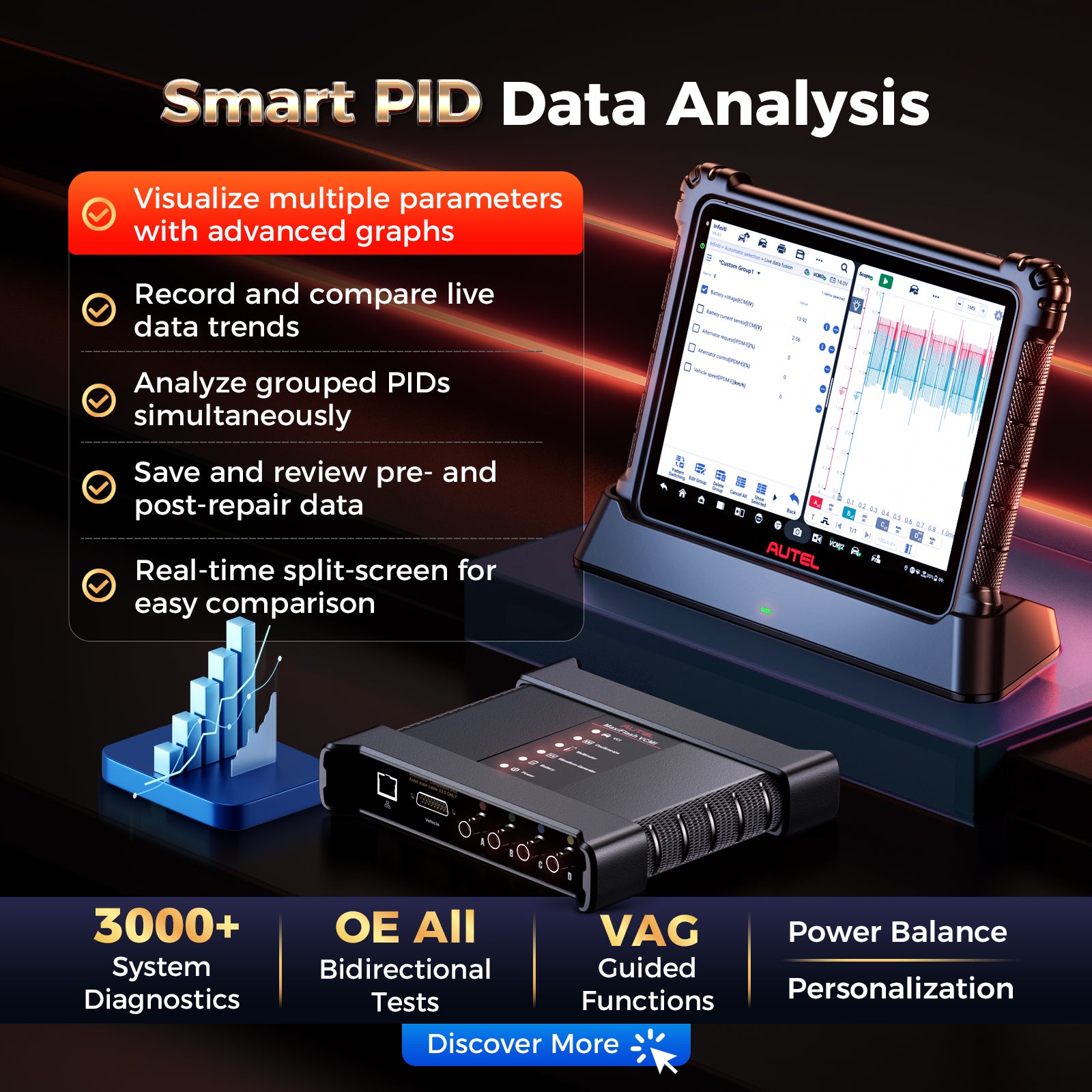
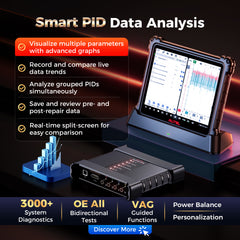
Enhanced PID Analysis helps technicians see how related values change together instead of reviewing one parameter at a time.
- Graph multiple PIDs to identify relationships.
- Compare live data across supported systems.
- Group related parameters for a focused test.
- Save Reference Samples for before-and-after repair comparison.
- Review minimum, maximum, and average values.
- Move directly from Live Data to the oscilloscope.
The result is a more organized way to diagnose intermittent, drivability, emissions, and electrical faults—and stronger evidence that a repair produced the expected change.


Keep Two Diagnostic Views Open at Once
Diagnostics + X lets technicians work with two supported applications side by side. Compare Live Data with oscilloscope traces, review a fault scan while pinging the network, or keep topology information visible while checking component location and DTC details.
It is a small workflow change with a practical benefit: less switching, less lost context, and a clearer view of how the evidence fits together.


Use Your Voice to Keep the Job Moving
MAX provides hands-free navigation for supported Ultra S2 tasks. Use verbal commands to open menus, start a system scan, access maintenance functions, or initiate supported Active Tests.
When your hands are occupied at the vehicle, MAX helps reduce the need to stop and navigate through multiple screens.


Handle Everyday Service Work from the Same Tablet
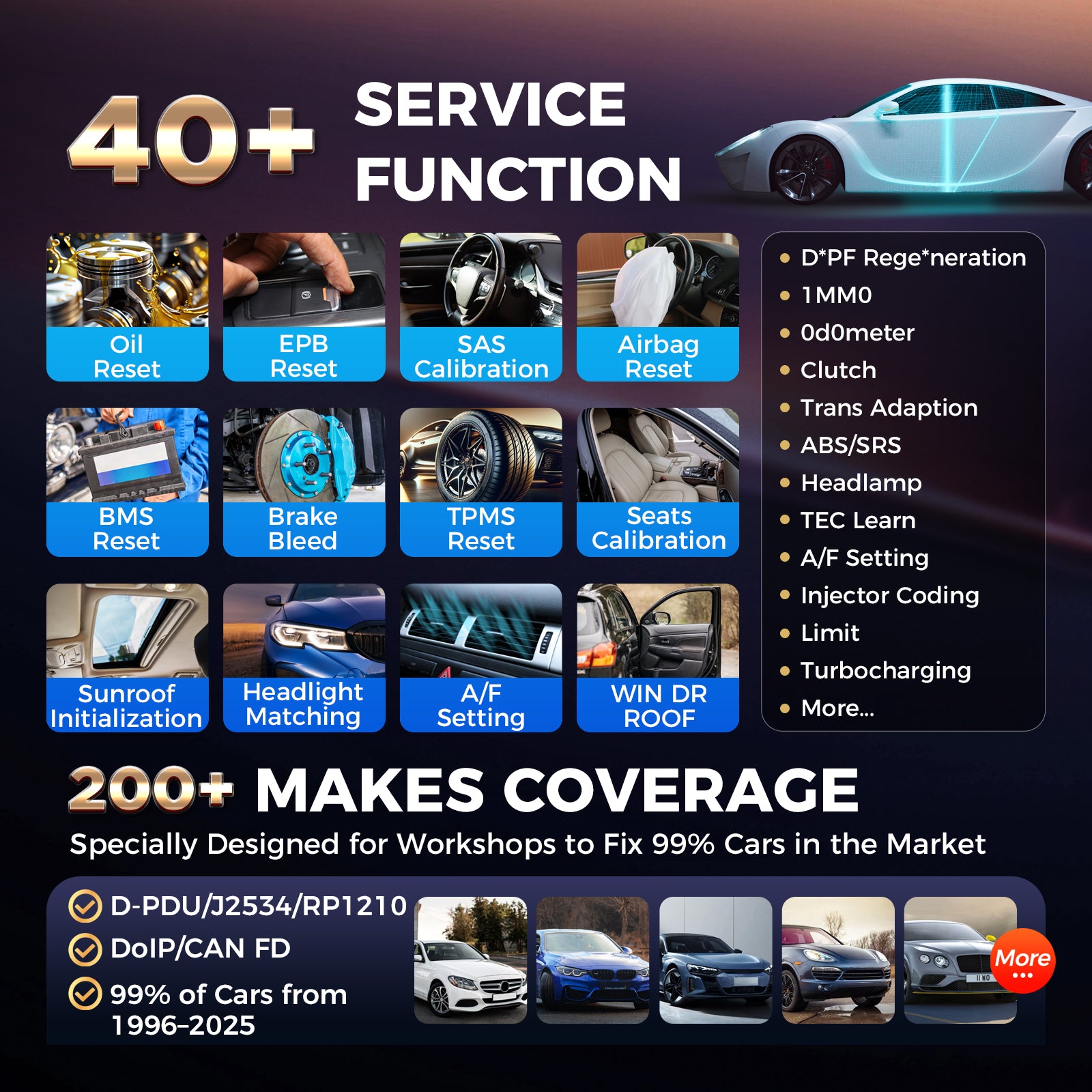
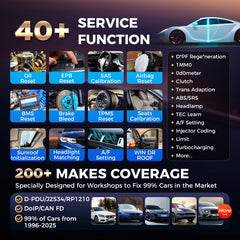
The Ultra S2 includes direct access to 48+ service and maintenance tasks. Depending on the vehicle, available functions may include oil reset, EPB service, steering angle calibration, battery registration, ABS bleeding, injector coding, throttle adaptation, DPF regeneration, suspension procedures, and other relearns.
Instead of reaching for another tool after the diagnostic work is complete, technicians can continue into many common post-repair procedures from the same platform.


Broad Coverage for a Multi-Brand Repair Shop
The US-version Ultra S2 covers a broad range of US, Asian, and European passenger vehicles and light-duty applications, including many 1996 and newer vehicles. Support for DoIP, CAN FD, J2534, and D-PDU helps the platform communicate with both established and newer vehicle architectures.
Coverage depth varies by vehicle and function. For a critical coding, programming, Active Test, or service requirement, send Autelonline the year, make, model, engine, VIN when available, and required function before ordering.


More Ways to Support the Complete Repair
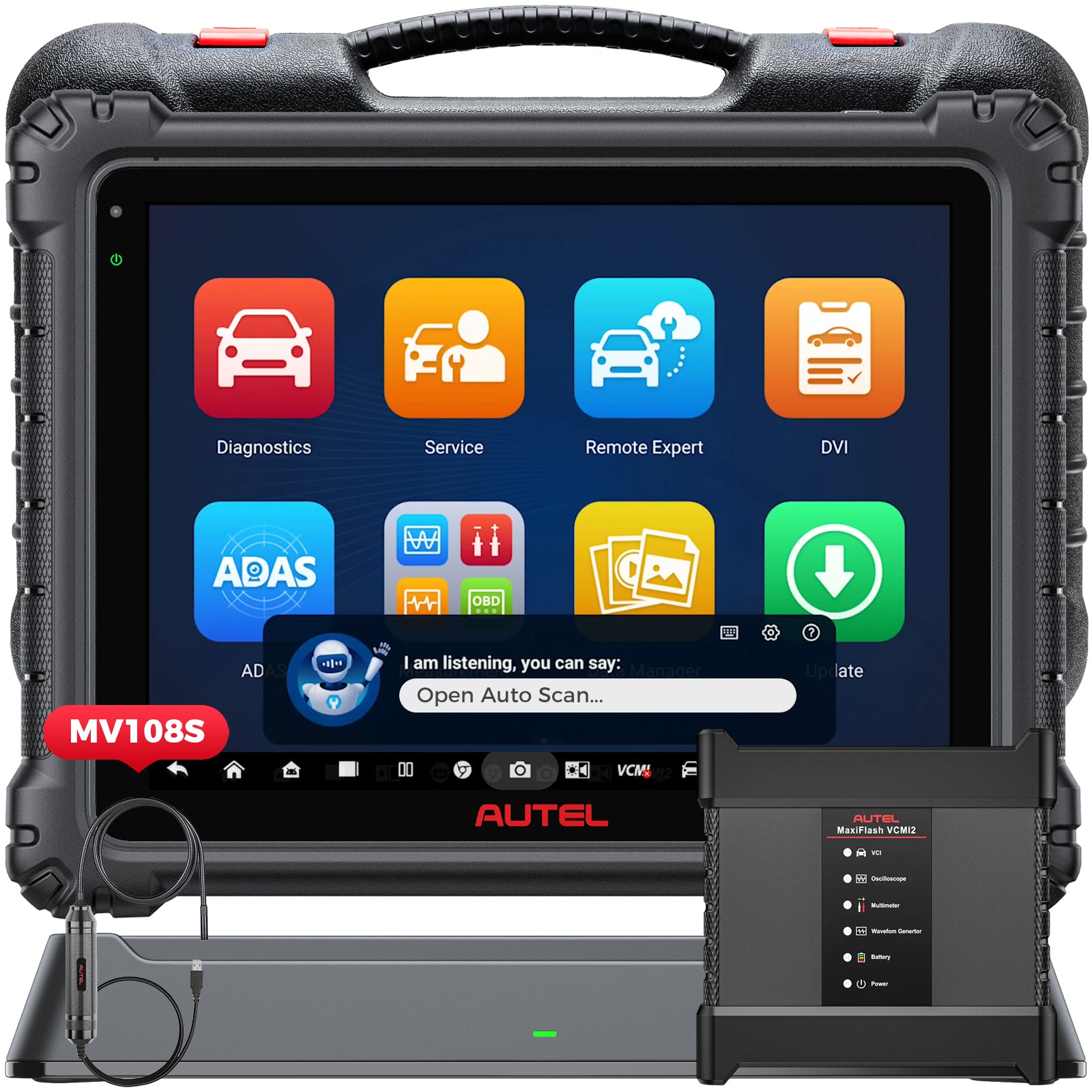
Ultra S2 also supports professional workflow features such as pre-scan and post-scan reports, Wi-Fi printing, cloud-based report management, Remote Expert connectivity, optional battery testing with the BT506, and optional visual inspection with compatible MaxiVideo cameras.
These functions help the tool remain useful beyond the initial scan—from documenting vehicle condition to verifying the repair and sharing results.